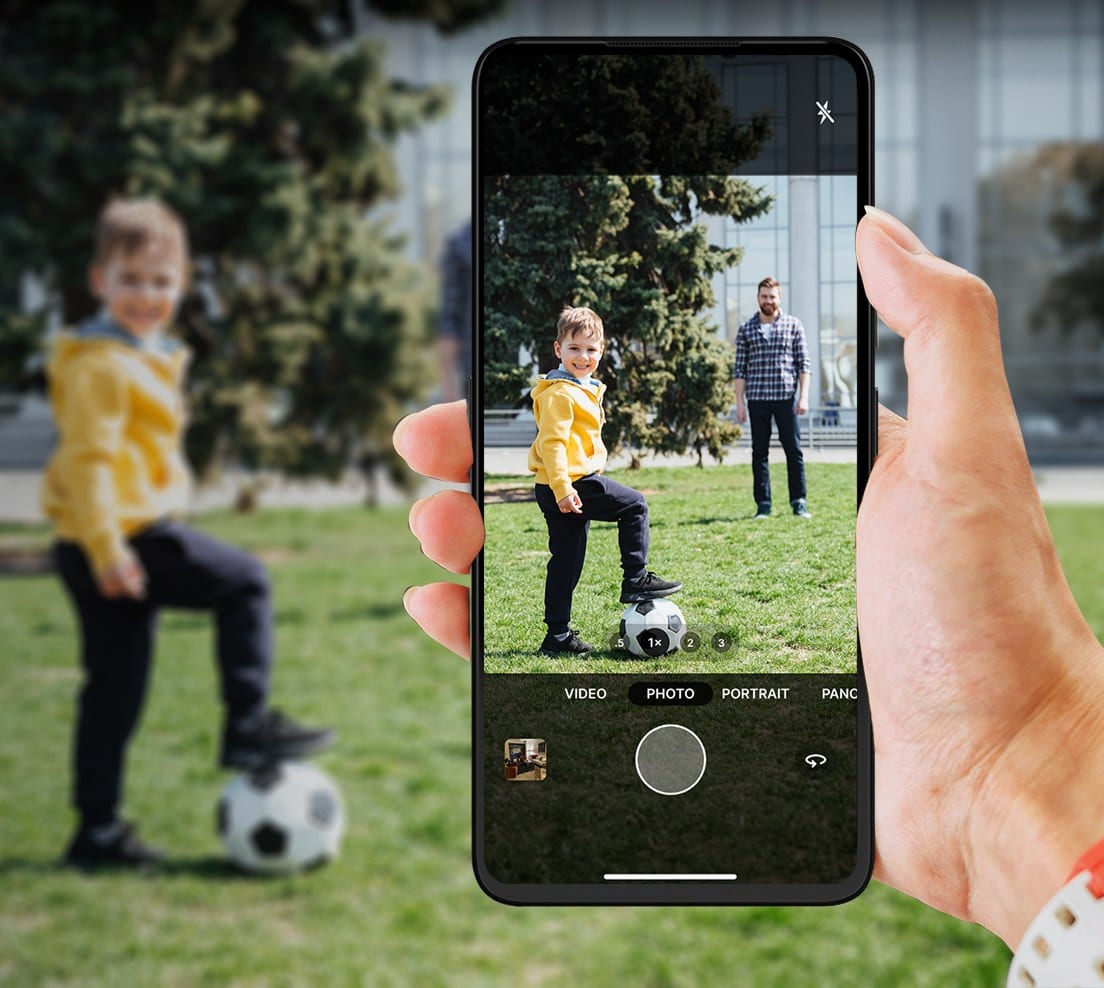
UP Phone
Native Camera
A native, first-party camera: familiar, fast and reliable.
Researched, designed and defined end to end.
The UP Phone shipped a feature-bloated camera app with mediocre performance. The essential flow: open, aim, shoot wasn't reliable, and a cluttered, unfamiliar UI made the everyday photo harder than it should be.
- #01Improve core performance. Faster, smoother, more reliable everyday capture.
- #02Reduce feature bloat. Master the essential modes before adding more.
- #03Make the UX familiar. Patterns users already know from iOS and Android.

A multi-part process to find where capture failed in the real world, and turn it into product priorities, not just side-by-side images.
Highlight Clipping
Direct sunlight blew faces and bright surfaces to pure white, skin detail and texture were lost.
 UP Phone
 iPhone
Subject Exposure
Metering followed the background instead of the person, so the scene looked balanced but the subject came out wrong.
 UP Phone
 iPhone
Over-Processing
Heavy sharpening and tone mapping made grass, hair, skin and clothing look crunchy and digital.
 UP Phone
 iPhone
Focus reliability
In quick capture, focus wasn't dependable, frames came back soft and didn't always lock in time.
 UP Phone
 iPhone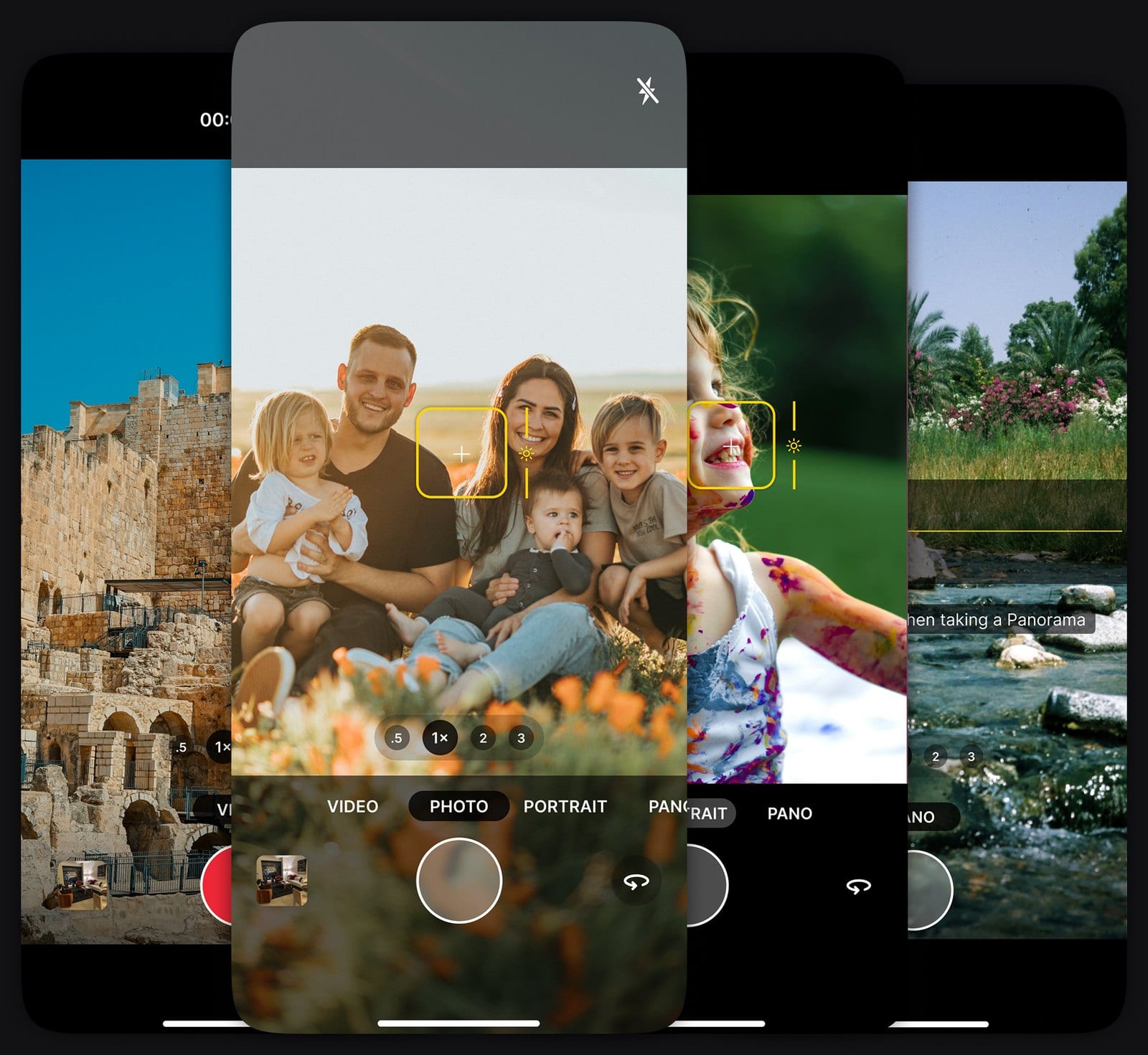
Before the final baseline I looked at the camera from every angle: performance, UX audits, mode prioritization, competitor patterns and micro-interactions, to fix the performance issues and improve the everyday experience, deciding what to keep, cut and rebuild.
| Mode | Importance | Dev Effort |
|---|---|---|
| Photo | 10 | 5 |
| Video | 10 | 3 |
| Portrait | 9 | 7 |
| Panorama | 6 | 2 |
| Pro | 6 | 8 |
| High-Res, Slo-Mo, Macro | 4 | 7 |
| GIF, Bokeh, Wide Angle, Beauty | 1 | - |
- ✓Lightweight mode structure
- ✓Faster point-and-shoot experience
- ✓Familiar camera behavior
- ✓Gestures for faster actions
- ✓Micro-interactions to mask delays
- ✓Clear focus feedback
- ✓Reliable & snappy zoom interaction
- ✓Improve front/rear switching
- ✓Reduce accidental complexity
- ✓Better first-use confidence
- ✓Engineering-ready baseline
The final baseline brought the full camera experience into one focused system: performance direction, interaction rules, gestures, feedback, haptics, SFX, states, and edge cases. From the original 14 modes, four were selected as the core experience:
I designed a complete feedback layer using sound effects and haptics, so the camera could confirm actions without pulling the user's attention away from the viewfinder. to create the system, I built an internal haptic recording app to capture,
Tap a tier to feel it: real vibration on Android, a visual pulse elsewhere.
| Action | Feedback | SFX |
|---|---|---|
| Photo Capture (Shutter) | [Large] | |
| Press and Hold to Record | [Large] | |
| Start Recording | [Large] | |
| Stop Recording | [Large] | |
| Pause Recording | [Medium] | |
| Capture While Recording | [Medium] | - |
| Step-zoom via preset (e.g., 1× → 2×) | [Medium] | - |
| Pinch to zoom or use the zoom slider | [Small] | - |
| Switch Shooting mode | [Small] | - |
| Switch Front/Back Camera | [Small] | - |
| Any Flash Interaction | [Small] | - |
| Tap To Focus | [Medium] | - |
| Change Exposure Value | [Small] | - |
| Start/Stop Pano Capture | [Large] | - |
| Panorma Drift | [Large] | - |